AI Culled Your Wedding Photos. Where the F*ck Is the Wedding? 📸🤖
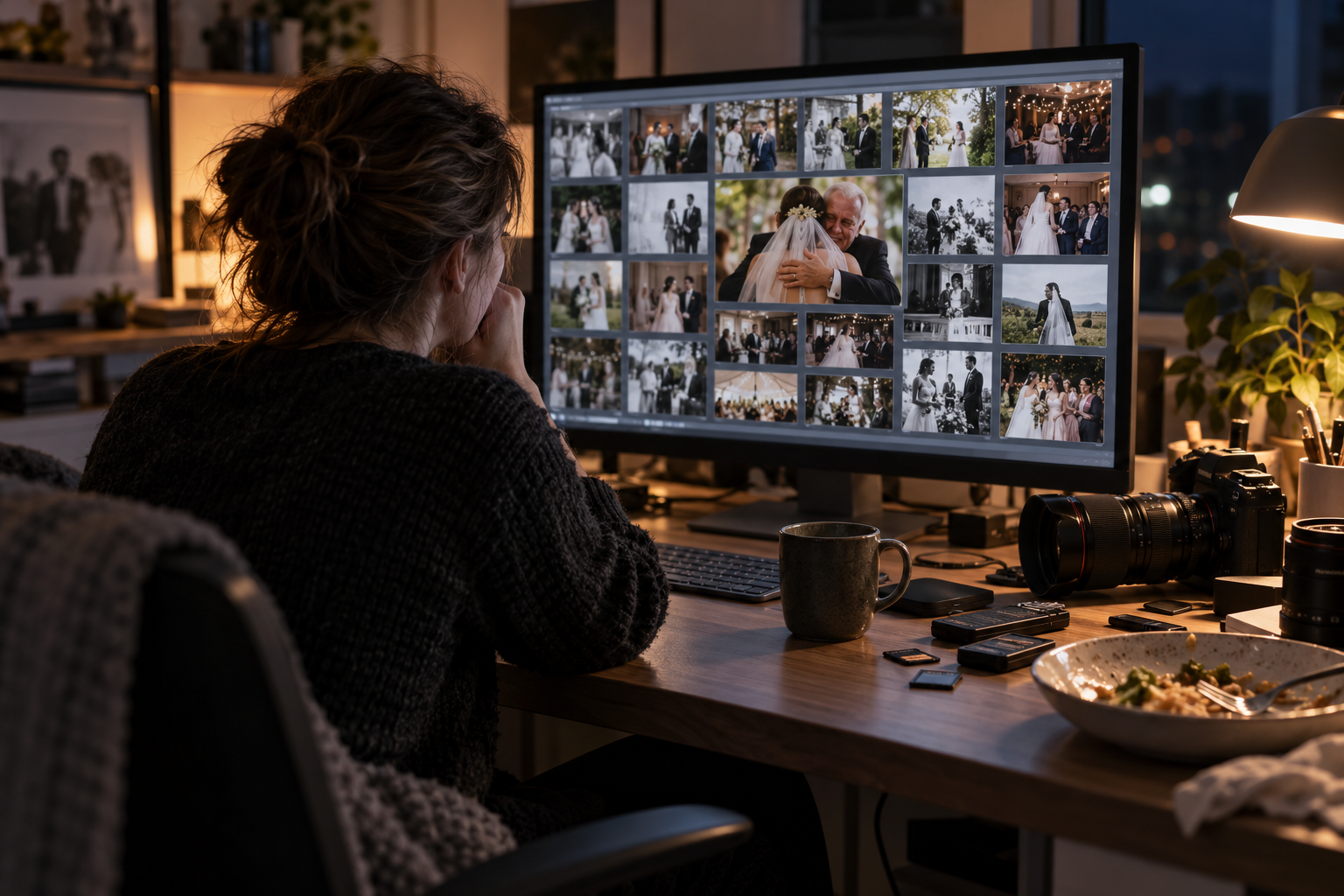
Four thousand frames. Two in the morning. Your eyes are shot. You are genuinely struggling to tell the groom from the waiter because they are both wearing the same black suit, while the AI cheerfully announces in the corner of your screen: “Culling complete!”
Wonderful. What a relief. Can you finally switch off the monitor and get some actual sleep?
Not so fast.
You open this supposedly perfect selection and find forty immaculate, razor-sharp portraits of a boutonniere, seventeen identical strained smiles against a wall, and not one photograph of the bride’s dad finally bursting into tears.
AI wedding photo culling is a fantastic crutch. It saves us time and clears out piles of obvious rubbish. But nobody has added a magic “make me a masterpiece” button to a photographer’s professional responsibilities. The final review is your job. If you want to avoid an awkward conversation with the newlyweds, there are three areas you still need to check with your own eyes.
1. Real emotion versus technically perfect, lifeless focus 📌
Picture this: a grandfather hugs his granddaughter, the bride. She laughs properly, but your autofocus decides to be difficult, hesitates and misses around her ear. The next frame is technically perfect. Absolutely tack-sharp. Except the hug is over, the moment has gone, and Grandad is staring blankly at the salad on the table.
Which photograph do you keep in the final gallery?
Depending on the tool and its settings, that first frame may end up flagged for review or among the rejects. To the people in the photograph, it could be the one second they will remember with tears in their eyes.
A red badge is only a reason to inspect the image yourself, not delete it without looking. Make a habit of reviewing peak emotional moments, group portraits and algorithm-rejected alternatives from important sequences. Forgive a little softness when the photograph has life in it.
But do not go to the other extreme either. An unusably soft frame with nothing happening in it does not deserve a place just because you call it your artistic vision.
2. Group photographs: a perfect thumbnail or an incident report? 😬
In the little Lightroom preview, you appear to have the perfect family photograph. Everyone is lined up, the lighting works, lovely. Then you zoom to 100%, and the comedy starts. You will be the one explaining it later.
The bride looks fantastic. The groom looks ready for a magazine cover. Meanwhile, Mum blinked, a brother is half hidden behind somebody’s shoulder, and Grandad is looking at the camera as though somebody is confiscating his passport.
A green indicator means what that particular application defines it to mean. Some tools assess focus and eye state, but a reassuring badge still does not guarantee that everybody looks good. Check the expressions yourself.
Do not rely on AI where every guest matters. Inspect the faces in group photographs yourself. If somebody blinked or pulled an awkward expression in the strongest frame, check neighbouring files for a better photograph. A careful face replacement may be an option when angle, lighting and sharpness match and it fits the client agreement. Three perfect faces will never rescue the fourth person looking like a hostage in the group photograph.
3. The story of the day versus a collection of forced smiles 🧩
Strong photographs viewed individually do not necessarily make a good, coherent series. If you accept the proposed selection without reviewing its balance, you can end up with similar, technically clean posed portraits and endless close-ups of decorations. The atmosphere of the wedding can quietly disappear from the gallery.
Your client hired you to preserve the memory of their wedding day, not win a competition for the sharpest jacket.
Go through the entire selection in order, as if you were watching a film. Can you follow the day as it develops? Can you tell where everything is happening? Are there genuine reactions to the speeches, or just the MC holding a microphone? Has the reception become forgettable because the software preferred the cleaner sunset portraits?
Remove empty, near-identical duplicates. Five different stages of genuine laughter or an embrace tell a story. Five identical photographs of the groom adjusting his tie in the mirror are just taking up space.
The checklist before you click “Export” 💾
Let AI help with the rough selection and save you time where it actually fits your workflow. There is no sense in refusing useful progress. But keep the final checks in your own hands:
- 🗄 Never permanently delete rejected frames before the project is fully delivered. Rejecting a photograph during culling is not the same as erasing it forever.
- 👁 Manually check neighbouring frames from important sequences: the couple’s entrance, the rings, the parents’ tears.
- 📖 Review the complete series full-screen to check the story. After transfer to your RAW editor, separately compare the selected files, ratings and flags.
If the client receives a lifeless, plastic-looking gallery, the software’s progress bar will not be the one dealing with the furious newlyweds. You will.